Create
Design stunning content with easy-to-use tools and templates.

Bring live to every screen
Create, schedule, and manage content across every display—from one beautifully simple platform.
No credit card required Live in minutes


Design stunning content with easy-to-use tools and templates.
Plan playlists and campaigns to run on your time.
Update screens instantly across locations with real-time publishing.
Track performance and screen health from anywhere.
Solutions by industry
Adapt PulsePanels to the audience, workflow, and information that matters in every environment.

Turn every store screen into a flexible sales and brand channel.
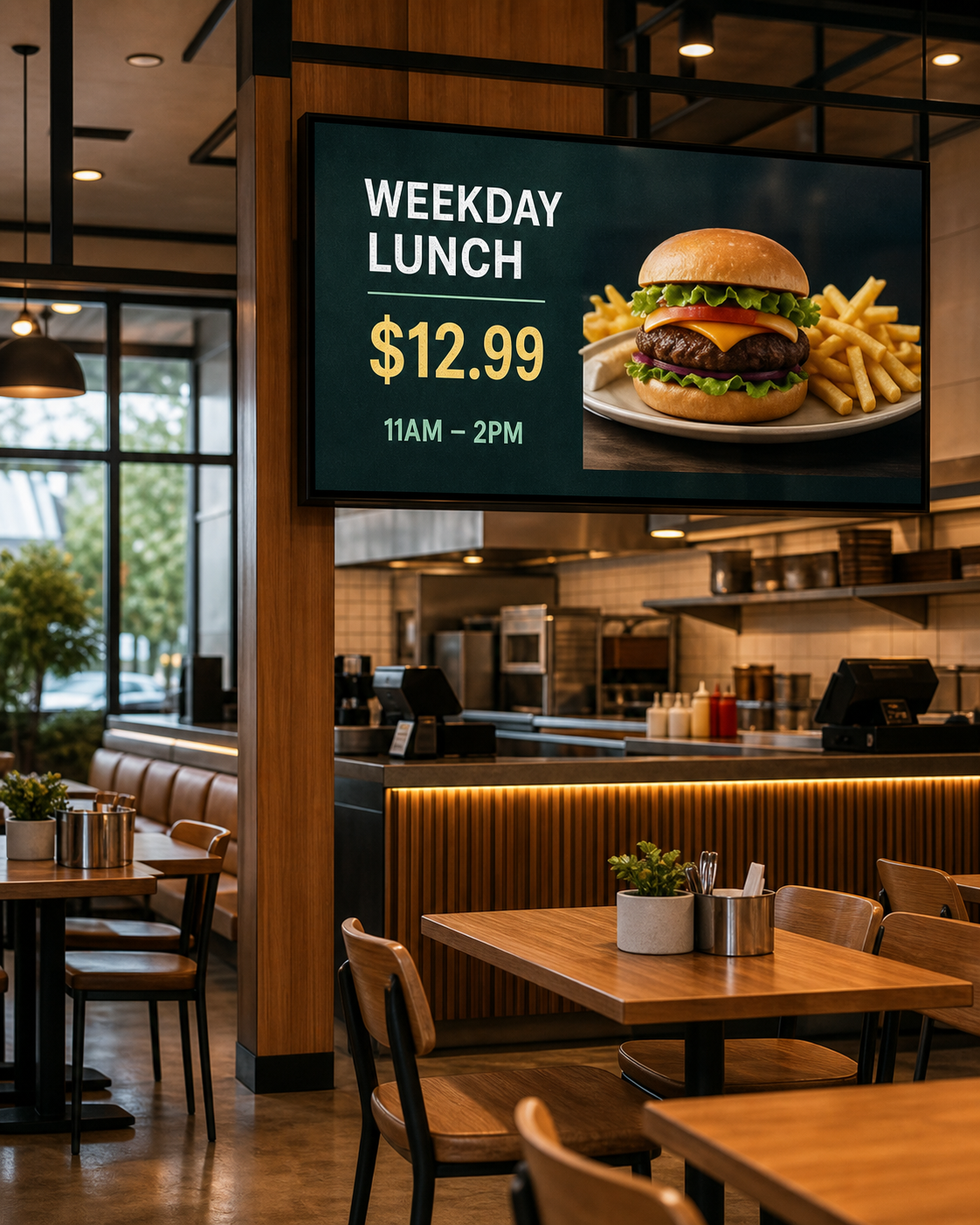
Keep menus, pricing, offers, and service messaging fresh all day.

Connect teams with timely communication across every workplace.
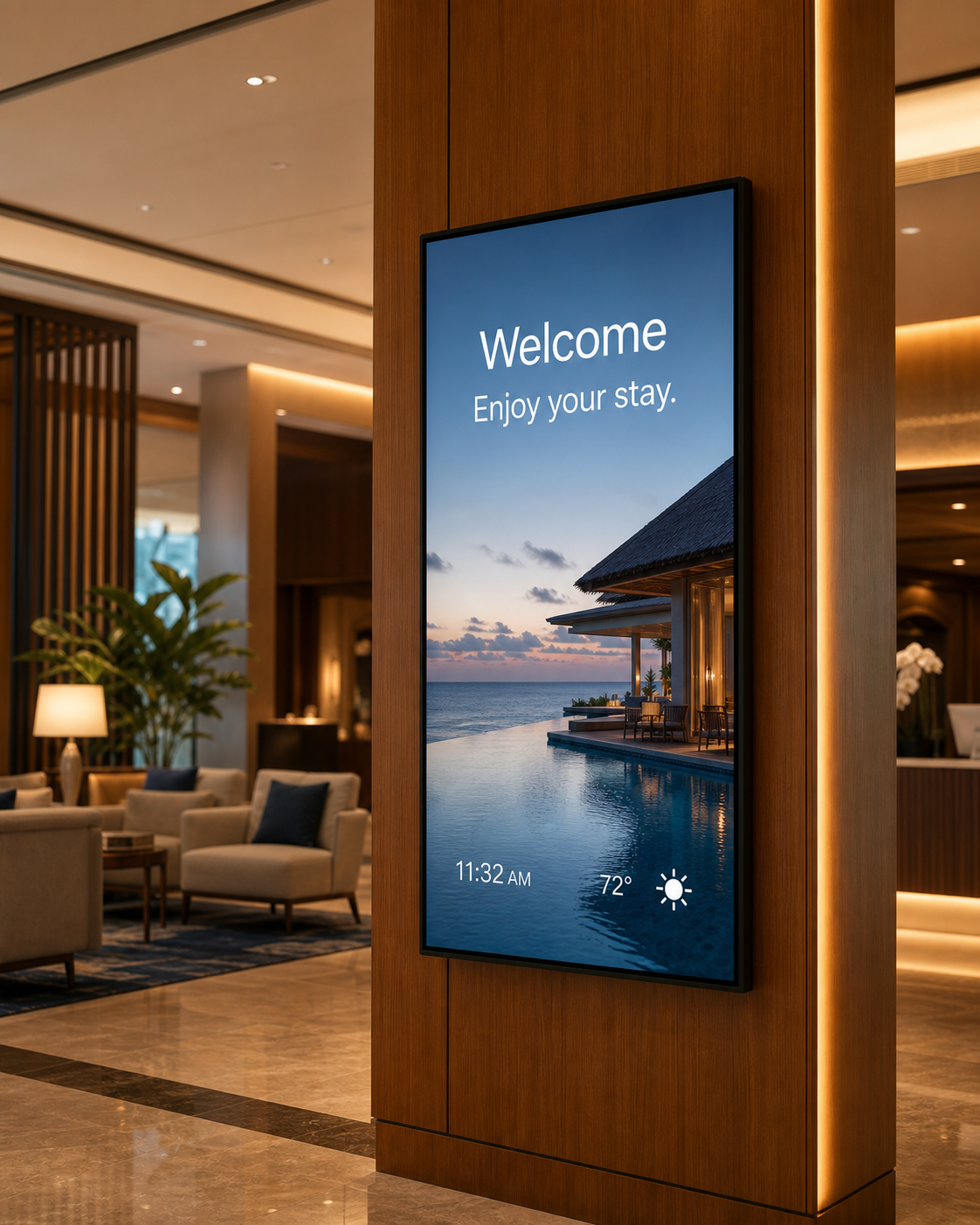
Create polished guest experiences from arrival to checkout.
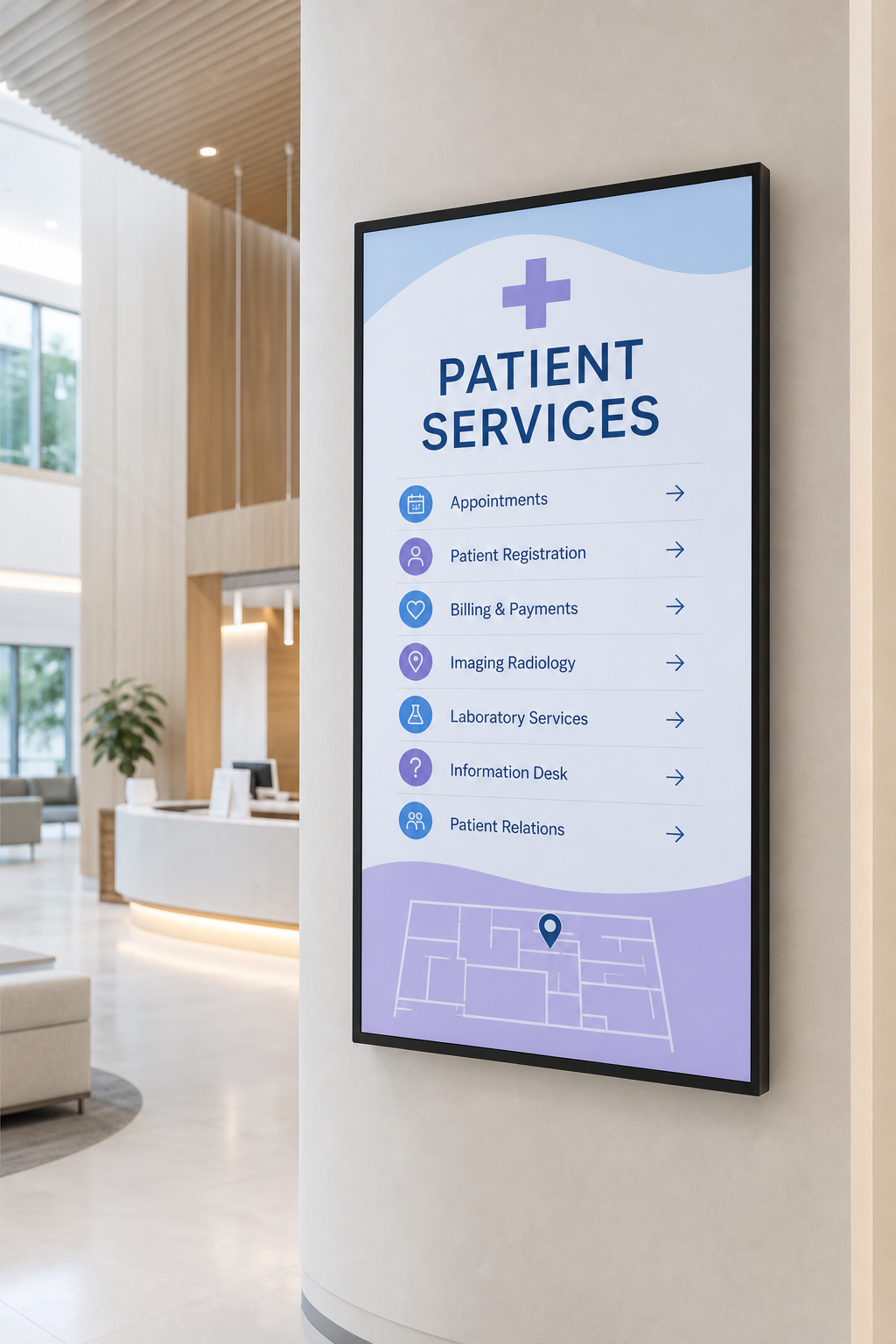
Guide patients and staff with calm, clear, and urgent information.
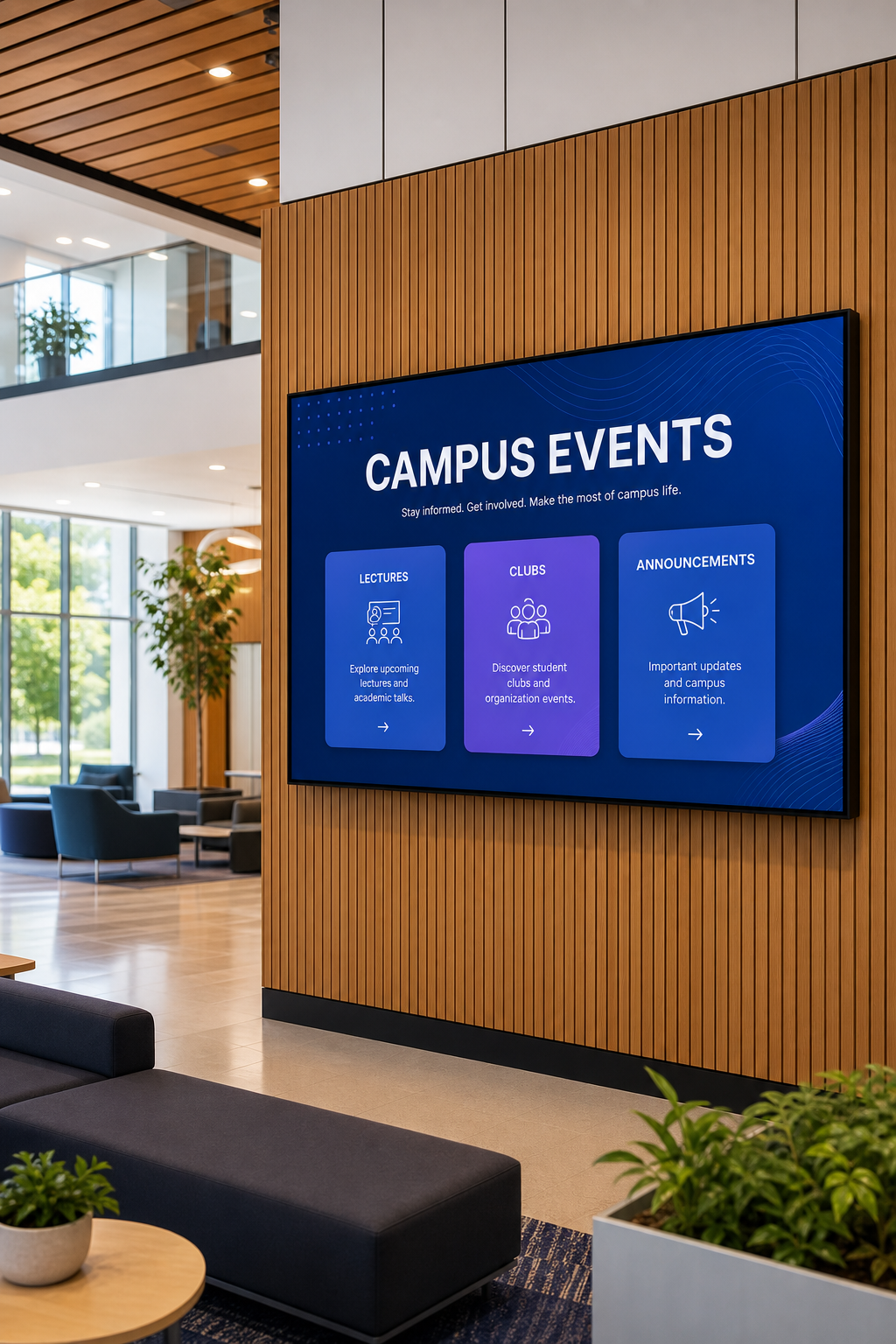
Bring campus news, schedules, and events to every shared space.
Your network, at a glance
Monitor screen health, see live content, and take action from one calm control center—whether you manage two screens or two thousand.
Built for more
Go beyond playlists with purpose-built tools for workplaces, campaigns, critical alerts, and connected content.
Meeting room management
Show availability, schedules, and meeting details at the door with calendar-ready room displays.
Smart ads & campaigns
Run content by audience, location, time, and priority while keeping every campaign organized in one place.
Emergency Center
Send urgent, high-priority messages across your network from one control center, with clear delivery status.
Connect calendars, dashboards, social feeds, weather, news, and more.
Cached content keeps playing even when the internet connection drops.
Update screens from your phone without being in front of your workstation.
Get help around the clock to keep your screen network running.
Adapt branding, layouts, apps, workflows, and permissions to your operation.
Receive 1 lifetime license when you have more than 10 paid licenses.
Hardware freedom
Deploy PulsePanels across leading operating systems and scale from a single display to immersive installations—on our cloud or your own infrastructure.
How it works
Add a screen layout that fits your content and orientation.
Upload media, use an app, or create a branded layout.
Assign screens, build a playlist, and set the schedule.
Preview, go live, and monitor every display remotely.
For partners and resellers
Manage clients, licenses, teams, and branded customer portals from one reseller-ready foundation.
Talk to our partner teamQuestions, answered
Still deciding? We will happily walk you through the platform.
Talk to our teamYes. Organize every location, screen, playlist, and team from one PulsePanels workspace.
Yes. Schedule by date, time, weekday, location, or screen, and let campaigns expire automatically.
PulsePanels shows the screen status and last connection time so your team can act quickly.
Yes. PulsePanels supports portrait, landscape, and multi-zone layouts on the screens you already use.
Contact PulsePanels
Share your locations, screen count, timeline, or deployment needs. Our team will help you choose the right way to launch.
Ready when you are
Build your first screen experience in minutes.